



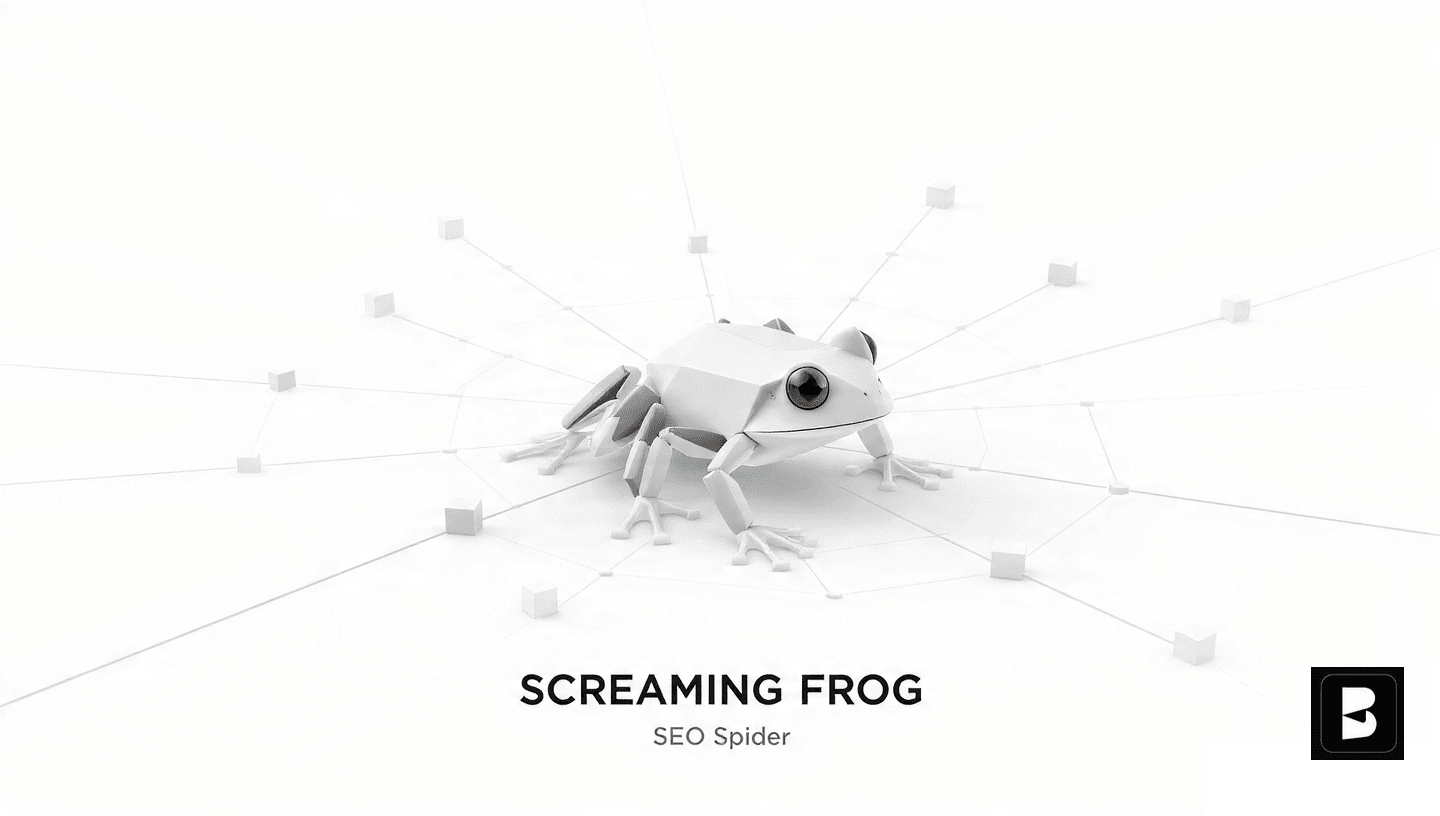

What Is Screaming Frog SEO Spider?
Screaming Frog SEO Spider: Screaming Frog SEO Spider is a desktop-based website crawler that simulates how search engines explore and understand your website. Rather than simply visiting pages like a user would, SEO Spider analyzes technical elements, metadata, content structure, links, and countless other factors affecting search visibility. The tool crawls your website, examines every element, and reports issues—some obvious to human visitors, others invisible without specialized analysis tools.
Screaming Frog SEO Spider: The “spider” metaphor accurately describes how the tool works: it crawls across your website like search engine spiders do, following links, discovering pages, and analyzing what it finds. For every page crawled, SEO Spider extracts detailed information—title tags, meta descriptions, heading structures, internal links, external links, images, canonical tags, redirect chains, HTTP status codes, and hundreds of other data points critical to search optimization.
Core Features & Capabilities
Website Crawling
Screaming Frog SEO Spider:Automated crawling of entire websites discovering all pages, identifying structural issues, detecting broken links, and mapping complete site architecture. Understanding your entire digital property is the foundation for effective optimization.
Technical SEO Analysis
Screaming Frog SEO Spider: Comprehensive technical auditing identifying issues affecting search visibility—duplicate content, missing meta tags, poor heading structure, slow loading pages, mobile usability problems, canonical tag issues, and protocol inconsistencies.
Metadata Extraction
Screaming Frog SEO Spider: Detailed analysis of all page metadata—title tags, meta descriptions, headings, Open Graph tags, and structured data markup. Identifies missing, duplicate, or excessively long metadata elements affecting rankings and click-through rates.
Link Analysis
Screaming Frog SEO Spider: Complete link mapping showing internal link structure, external link destinations, anchor text distribution, and link paths. Identifies orphaned pages, weak internal linking, and opportunities for strategic link optimization.
Redirect Mapping
Screaming Frog SEO Spider: Detailed redirect chain analysis identifying unnecessary redirect hops, redirect loops, redirect patterns affecting page authority, and opportunities to streamline redirect structures.
Resource Analysis
Crawls and analyzes images, JavaScript, CSS, and other page resources. Identifies missing alt text, missing image optimization, oversized resources affecting load time, and JavaScript rendering issues.
Hreflang Implementation
Validates hreflang tags crucial for international SEO. Identifies incorrect implementations, missing hreflang attributes, and issues preventing proper language/region targeting in search results.
XML Sitemap Validation
Compares XML sitemap contents against actual crawled pages. Identifies missing pages from sitemap, pages in sitemap that don’t exist, and inconsistencies affecting search engine crawlability.
Screaming Frog Versions: Free vs. Paid
| Feature | Free Version | Paid License |
|---|---|---|
| Crawl Limit | 500 URLs per crawl | Unlimited URLs |
| Website Size | Small sites only | Any size website |
| Data Export | Limited export options | Full export capabilities |
| API Integration | Not available | Full API access |
| Custom Features | Basic only | Advanced customization |
| Priority Support | Community support | Email support included |
| Log File Analysis | Not available | Available |
| Cost | Free | Annual license fee |
The free version serves well for small websites and initial exploration. However, most professional SEO work benefits from the paid license enabling unlimited crawls, complete data export, and advanced features essential for comprehensive auditing.
Common Use Cases for SEO Spider
Initial Site Audit
- Understand complete site structure and architecture
- Identify all technical issues preventing visibility
- Establish baseline for improvement measurement
- Create prioritized remediation roadmap
- Discover pages affecting search performance
Ongoing Monitoring
- Regular audits tracking technical health over time
- Detect new issues emerging from changes
- Verify technical improvements were implemented correctly
- Monitor compliance with optimization standards
- Identify degradation from site updates
Website Redesign
- Compare old site structure to new design
- Identify broken redirects post-launch
- Verify metadata preserved from old pages
- Ensure technical improvements in redesign
- Validate new site against technical SEO standards
Competitive Analysis
- Analyze competitor website structure and optimization
- Identify strengths in competitor technical implementation
- Discover competitive gaps you can exploit
- Benchmark against industry standards
- Understand optimization level of competition
Migration Support
- Crawl old site identifying all pages requiring redirects
- Verify redirect implementation on new domain
- Identify pages missed in migration process
- Monitor crawlability improvements post-migration
- Validate technical optimization of migrated site
Content Optimization
- Identify missing or duplicate meta descriptions
- Find pages with poor heading structure
- Discover thin content pages
- Locate pages missing images or alt text
- Identify orphaned pages needing internal links
Performance Analysis
- Identify pages with slow load times
- Discover oversized resources affecting speed
- Locate pages with excessive elements
- Benchmark page performance across site
- Identify pages requiring performance optimization
Mobile Optimization
- Audit mobile-specific technical issues
- Identify viewport configuration problems
- Detect mobile usability issues
- Verify mobile-first indexing readiness
- Compare mobile vs. desktop rendering
How to Use Screaming Frog SEO Spider: Step-by-Step Guide
Getting Started with SEO Spider
- Install and Launch: Download Screaming Frog SEO Spider from their website, install on your desktop (Windows, Mac, or Linux compatible). Launch the application and enter your website URL in the search bar at the top.
- Configure Settings: Set crawl parameters—user agent selection, crawl depth, JavaScript rendering options, follow redirects settings. More advanced users may configure custom headers, authentication, or specific crawl constraints.
- Start Crawl: Click the “Start” button to begin crawling. The tool will systematically visit every discoverable page on your website, extracting data about each. Progress appears in real-time showing pages crawled, issues found, and estimated completion time.
- Review Results: Once crawling completes, SEO Spider displays results across multiple tabs—All URLs showing every page crawled, Response Codes showing HTTP status information, Meta tab showing title/description data, Headings tab showing H1-H6 structure, and many specialized tabs.
- Identify Issues: Look for highlighted issues in various categories—crawl errors (broken pages), warnings (pages with minor problems), and information (pages meeting standards). Red indicators show critical problems requiring immediate attention.
- Export Data: Use the Export functionality to save crawl data in various formats—Excel spreadsheets, CSV files, or other formats. Exported data enables further analysis, reporting, and sharing with team members or clients.
Key Insights from SEO Spider Data
✓ Technical Issues Identified
- Broken internal links (404 errors, 5xx errors)
- Duplicate content issues
- Missing or excessive metadata
- Poor heading structure
- Slow page load times
- Mobile usability problems
- Redirect chain issues
- Canonicalization problems
✓ Optimization Opportunities
- Pages lacking internal links (orphaned)
- Weak internal linking patterns
- Missing image alt text
- Short title tags or meta descriptions
- Duplicate title tags or descriptions
- Missing schema markup
- Undersized heading hierarchy
- Low-value pages requiring consolidation
Best Practices for Maximizing SEO Spider Value
Essential Best Practices
- Start with complete crawls before detailed analysis—understand overall site health before investigating specific issues
- Prioritize critical issues first—broken links, pages returning errors, and crawlability problems take precedence over minor optimization tweaks
- Use spreadsheet exports for analysis—export data to Excel enabling sorting, filtering, and deeper analysis beyond the application interface
- Compare crawls over time—save baseline crawl results and compare new crawls to track improvement progress and identify new issues
- Validate competitor sites—crawl competitor websites understanding their technical implementation and optimization level relative to yours
- Monitor JavaScript rendering—if your site uses JavaScript, enable JavaScript rendering in settings for accurate page analysis
- Set appropriate crawl limits—respect robots.txt and server limitations, avoiding excessive crawl rates affecting server performance
- Document findings clearly—create reports documenting issues found, prioritization rationale, and remediation roadmap for stakeholder communication
Frequently Asked Questions About Screaming Frog
Integrating SEO Spider Into Your Workflow
Screaming Frog SEO Spider works best as one component of comprehensive SEO strategy. Use it alongside keyword research tools (identifying terms worth targeting), rank tracking platforms (monitoring progress toward targets), and analytics platforms (measuring business impact of optimization). This integrated approach ensures technical excellence supports—not replaces—strategic SEO thinking.
Regular crawls (monthly for sites with active updates, quarterly for stable sites) keep you aware of technical status, enabling early issue detection before problems harm search visibility. Documentation of findings creates accountability for remediation, ensuring identified issues receive attention and follow-up verification.
Master Your Website’s Technical Health
Screaming Frog SEO Spider reveals issues preventing search visibility. Use professional analysis identifying problems, prioritizing solutions, and tracking progress. Partner with SEO experts translating technical findings into strategic improvements driving rankings and revenue.
Conclusion: Essential Tool for SEO Professionals
Screaming Frog SEO Spider represents essential infrastructure for professional search optimization. Any SEO expert, web developer, or marketing professional serious about technical excellence should use this tool regularly. The insights it reveals transform vague “things need optimization” thinking into specific, actionable, prioritized improvement opportunities.
Whether you’re conducting initial site audits, monitoring ongoing technical health, supporting website redesigns, or benchmarking against competitors, SEO Spider delivers the detailed analysis necessary for informed decision-making. The tool itself doesn’t improve your site—but the insights it provides guide the technical work transforming your website from invisible to prominently ranked in search results.
Start with free version if testing the tool. Invest in the paid license once you recognize its value in your SEO workflow. Combined with strategic thinking and disciplined execution, SEO Spider becomes the foundation enabling sustainable search visibility and organic growth.
Start Auditing Your Website Today
Screaming frog seo spider Download Screaming Frog SEO Spider and begin understanding your website’s technical status. Identify issues, prioritize improvements, and develop roadmaps toward search excellence. Need guidance on interpreting findings or implementing improvements? Professional SEO expertise helps translate technical analysis into business results.




Comments
SEO Audit Services: Unlock Your Website's best Hidden Potential - Basefield Studio
July 7, 2026[…] Audit Service Think of an SEO audit like a health checkup for your website. A doctor doesn’t guess about what’s wrong […]